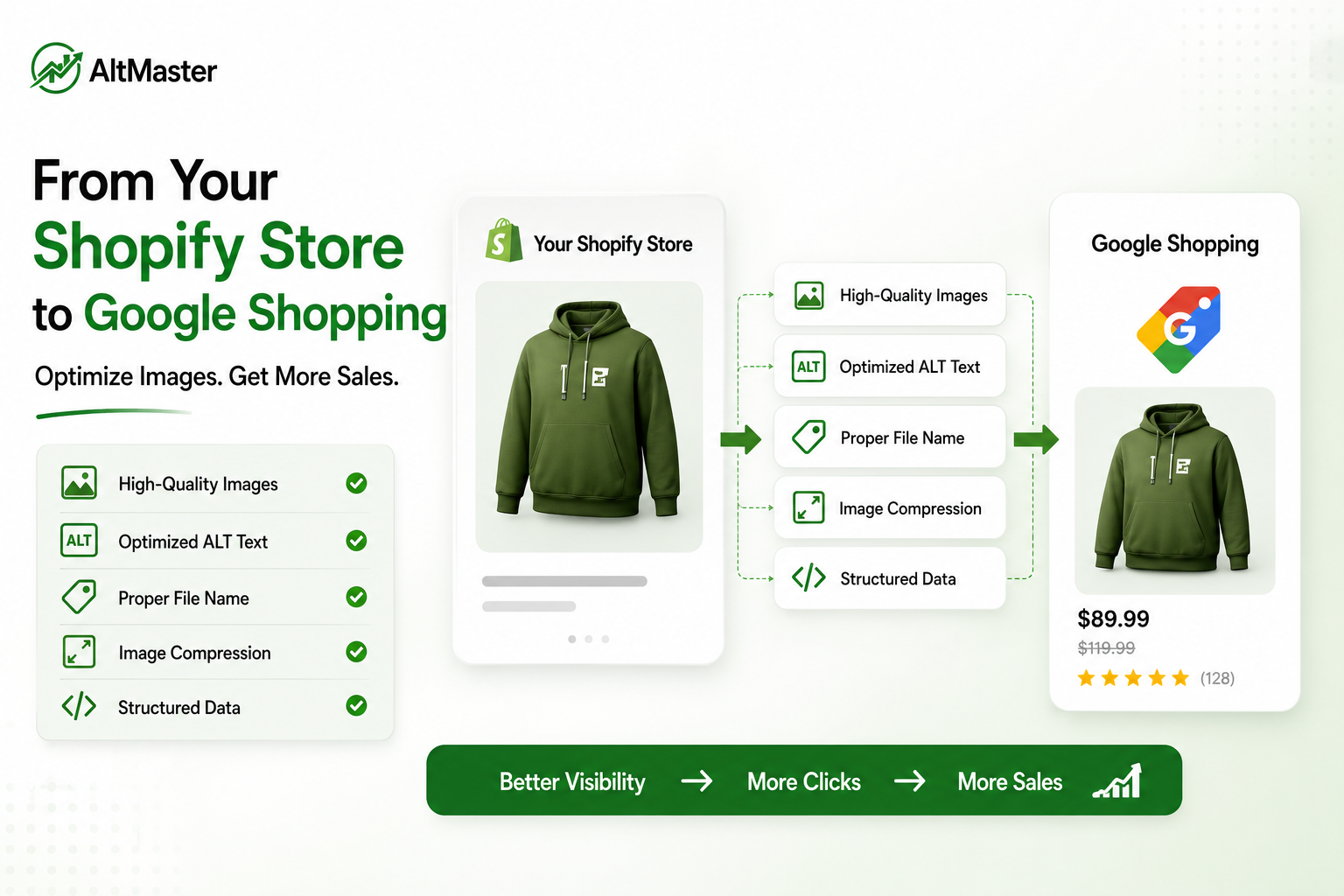
Most Shopify store owners think about Google Shopping as an ads problem - set up your Google & YouTube app, connect your Merchant Center, run some Shopping campaigns. But the image side of Google Shopping is where most feeds quietly underperform, and it has nothing to do with your ad budget.
Image-related issues account for roughly 65% of all Google Merchant Center product disapprovals. And even when products aren't disapproved, low-quality images and missing metadata leave performance on the table - lower click-through rates, weaker rankings in free listings, and less visibility across Google's growing network of shopping surfaces.
This guide covers what Google Shopping actually reads from your product images, what it requires, and how ALT text connects your Shopify store's image SEO directly to your Shopping feed performance.
Why Google Shopping Is a Visual Search Engine First
Google Shopping doesn't work like a text-based search result. When someone searches for "slate blue linen shirt" in the Shopping tab, Google is rendering a visual grid of product images - and your image is your entire ad creative. A study by Etsy found that 90% of shoppers say image quality has a major influence on their purchase decision-making - more than price, shipping costs, or reviews.
But here's the part that's less obvious: Google's Shopping systems don't just evaluate how an image looks to a human. They evaluate what they can read about it. File names, ALT text, structured product data, and image metadata all feed into how Google understands, categorizes, and ranks your products across Shopping surfaces - including the Shopping tab, Google Images, Google Lens, and Performance Max campaigns.
The stores winning on Google Shopping aren't just uploading better photos. They're giving Google more to work with at every metadata layer.
How Google Shopping Reads Your Product Images
Image Quality Standards Google Shopping Enforces
Google's image evaluation happens in two layers: technical specifications that determine whether your image can be processed, and quality signals that determine how well it performs once it's live.
Google recently updated its image size recommendations to 1,500×1,500 pixels or above for best performance across all listing formats, with a new minimum of 500×500 pixels taking effect January 31, 2027. Products with lifestyle images added via the additional_image_link attribute in your feed see higher click-through rates meaningfully - research puts the CTR uplift from lifestyle images at 27% on average for free listings, with some analyses suggesting uplifts as high as 125% in competitive categories. In Performance Max campaigns, Google uses your image_link and additional_image_link images to auto-generate creatives across Search, Display, YouTube, Gmail, and Discover, which is why starting from a square image at 1,500×1,500px gives Google's algorithm maximum flexibility without unwanted cropping across those placements.
How ALT Text & File Names Feed Your Product Feed
This is where most guides on Google Shopping stop short. ALT text and file names aren't just on-page SEO signals - they contribute to how Google's systems understand what your product actually is when it indexes your Shopify store pages.
Google's Shopping feed pulls the image_link attribute from your product data, but it also crawls your product pages directly to validate and enrich that data. The ALT text on your product images, the descriptive file name Shopify serves, and the structured product schema on the page all inform the same understanding. When all three are consistent and specific - image_link pointing to a well-named file, ALT text describing the same product precisely - you're sending a coherent signal. When they're inconsistent or blank, you're introducing ambiguity that costs you ranking and visibility - the same reason why Shopify product images become invisible to Google even when the feed looks complete is one of the most overlooked problems in Shopify stores running Shopping campaigns.
AI shopping assistants like ChatGPT and Perplexity draw on the same indexed data to generate product recommendations. The full breakdown of why your products don't show up on ChatGPT and how ALT text fixes it makes clear that the principle driving AI recommendation visibility is identical to what drives Google Shopping visibility - text-based metadata, read at crawl time, not at the moment of the search.
Product Image Rules You Must Follow for Google Shopping Approval
Size, Format & Background Requirements
The current Google Merchant Center requirements, confirmed from Google's official image_link documentation, set the minimum size at 100×100px for non-apparel and 250×250px for apparel - but these minimums are floors, not targets. Google recently updated its recommendation to 1,500×1,500 pixels or above for best performance, with 500×500px becoming the enforced minimum from January 2027. Accepted formats are JPEG, PNG, WebP, GIF, BMP, and TIFF - JPEG and PNG being the most reliable - with a maximum file size of 16MB and RGB color mode only, since CMYK files may be rejected without explanation. For a complete breakdown of recommended dimensions for every image placement on your Shopify store, the AltMaster Shopify image size guide for 2026 sits alongside the spec list above as the practical reference for getting upload sizes right before your feed goes live.
For backgrounds: white or neutral for primary product images (image_link); lifestyle and contextual backgrounds are fully accepted for additional images (additional_image_link). For apparel specifically, lifestyle shots showing the product worn by a model are preferred over flat-lays on white - they show fit, scale, and styling better than any background color can.
Common Image Violations That Get Products Disapproved
Image-related issues account for roughly 65% of all Google Merchant Center product disapprovals. The violations that hit most often:
Promotional text overlays. Any text on the image - "SALE," "20% OFF," "New Arrival," price badges - is a direct policy violation. Google wants product images, not banner ads. If you want to surface sale messaging, use Google Merchant Promotions instead, which display as annotations alongside your listing rather than on the image itself.
Watermarks and logos. Store logos or brand watermarks placed over the product image are prohibited. The product must be shown with a completely unobstructed view.
Product occupying less than 75% of the frame. Google requires the product to fill at least 75% of the image space - products that look small or distant relative to the frame get flagged. Center the product and fill the frame.
Low resolution. Images below the minimum pixel requirements for your category are automatically disapproved. Given the 2027 minimum update, now is the right time to audit and replace any images that won't meet the 500×500 floor.
Placeholder or generic images. "Image coming soon" graphics or stock photos that don't show the actual product being sold result in immediate disapproval.
How to Write ALT Text That Works for Both Google Shopping & Organic SEO
The Right Formula for Product & Variant Image ALT Text
The ALT text formula that works for organic image search is the same one that strengthens your Shopping feed's contextual signals: product name + color or material + key attribute + view or context, in one specific sentence.
- Slim-fit linen shirt in slate blue - relaxed collar - front view ✅
- Handmade ceramic coffee mug with speckled glaze - 12oz - lifestyle shot ✅
- shirt ❌
- Buy a blue shirt online cheap men fashion ❌
For variant images, the rule is strict: each color, material, or configuration gets its own specific ALT text. Sage green linen shirt - front view and navy blue linen shirt - front view are different ALT texts describing different things. Google's own Merchant Center documentation recommends submitting the correct image of each variant so users know exactly what they're clicking on - and your ALT text should reflect that same specificity at the page level.
For decorative images - background textures, dividers, or purely aesthetic elements - use an empty alt="" attribute. Everything that carries product information needs a real, specific description.
AltMaster directly strengthens your Google Shopping performance by scanning your full Shopify catalog, flagging every product and variant image with missing or generic ALT text, and generating descriptions in bulk using template variables - product name, color, material, variant - so every image gets specific, consistent metadata that reinforces your Shopping feed signal at the page level. For stores with large catalogs, doing this manually before a Shopping campaign launch isn't realistic, and the step-by-step guide to adding ALT text in Shopify is worth reading alongside AltMaster to understand both the manual process and where bulk generation saves the most time.
Syncing Your Shopify Product Images With Google Merchant Center
Shopify connects to Google Merchant Center through the Google & YouTube channel app, which automatically syncs your product data - titles, descriptions, prices, images - as a feed. A few things worth knowing about how that sync handles images:
Image URL stability matters. Avoid changing image URLs after your feed is live. Changing the URL triggers a re-review in Merchant Center and can temporarily remove your product from Shopping listings while Google re-crawls the new image. If you need to replace an image, do it with the same filename so the URL stays consistent - or update the feed and expect a brief review delay.
ALT text doesn't flow through the feed directly - but it affects the page-level signals Google reads when it crawls your product URLs to validate feed data. A product page with well-written ALT text and a consistent file name sends a stronger contextual signal than one with blank metadata, even when the feed itself is complete.
Variant images need to be mapped correctly. For products with color or material variants, make sure each variant is assigned its own image in Shopify - not all pointing to the same hero shot. Google Merchant Center allows you to submit the correct image for each variant using the image_link attribute per variant, and your Shopify feed will sync these automatically when variant images are properly assigned in your admin.
Image quality is evaluated on crawl, not just at submission. Google's systems re-crawl your product image URLs periodically. If you upload compressed, low-resolution images and later replace them with higher-quality versions, the feed will update on the next crawl cycle. Run your product pages through Google PageSpeed Insights to confirm they're loading fast enough for Google's crawler to retrieve images without timeout errors.
Conclusion
Google Shopping rewards stores that give it more to work with - better images, consistent metadata, specific ALT text, stable URLs. None of those things require an ad budget increase. They require getting the product data layer right before you spend a dollar on Shopping campaigns.
Fix your image sizes and backgrounds to meet Merchant Center standards. Write ALT text that describes each product and variant specifically. Keep image URLs stable once your feed is live. And make sure your Shopify store's page-level image signals are consistent with what you're submitting in the feed. That alignment is what separates products that show up reliably from those that get buried or disapproved.
FAQs
Does ALT text directly affect Google Shopping rankings?
Not through the feed directly - your Shopping feed uses the image_link attribute and product data attributes like title and description. But ALT text affects the page-level signals Google reads when it crawls your product URLs to validate and enrich feed data. Consistent, specific ALT text that matches your product data strengthens the overall contextual signal and supports both organic image search rankings and Shopping performance simultaneously.
What image size does Google Shopping require for Shopify products?
The current minimums are 100×100px for non-apparel and 250×250px for apparel - but these are floors, not targets. Google recommends 1,500×1,500px or above for best performance across all Shopping surfaces, and a new 500×500px minimum takes effect January 31, 2027. Shopify's own recommended product image size of 2048×2048px puts you well above both requirements and gives Google's algorithm maximum flexibility for automatic cropping across different ad placements.
Can missing ALT text get my products disapproved on Google Shopping?
Missing ALT text alone won't trigger a direct disapproval in Merchant Center - disapprovals are based on feed attributes and image quality standards. But missing ALT text weakens the page-level signals Google reads when it crawls your product URLs, and contributes to lower visibility in Google Images and organic search that feeds into your Shopping performance indirectly. Stores with complete, specific ALT text across all product images consistently outperform those with blank metadata across both organic and Shopping surfaces.