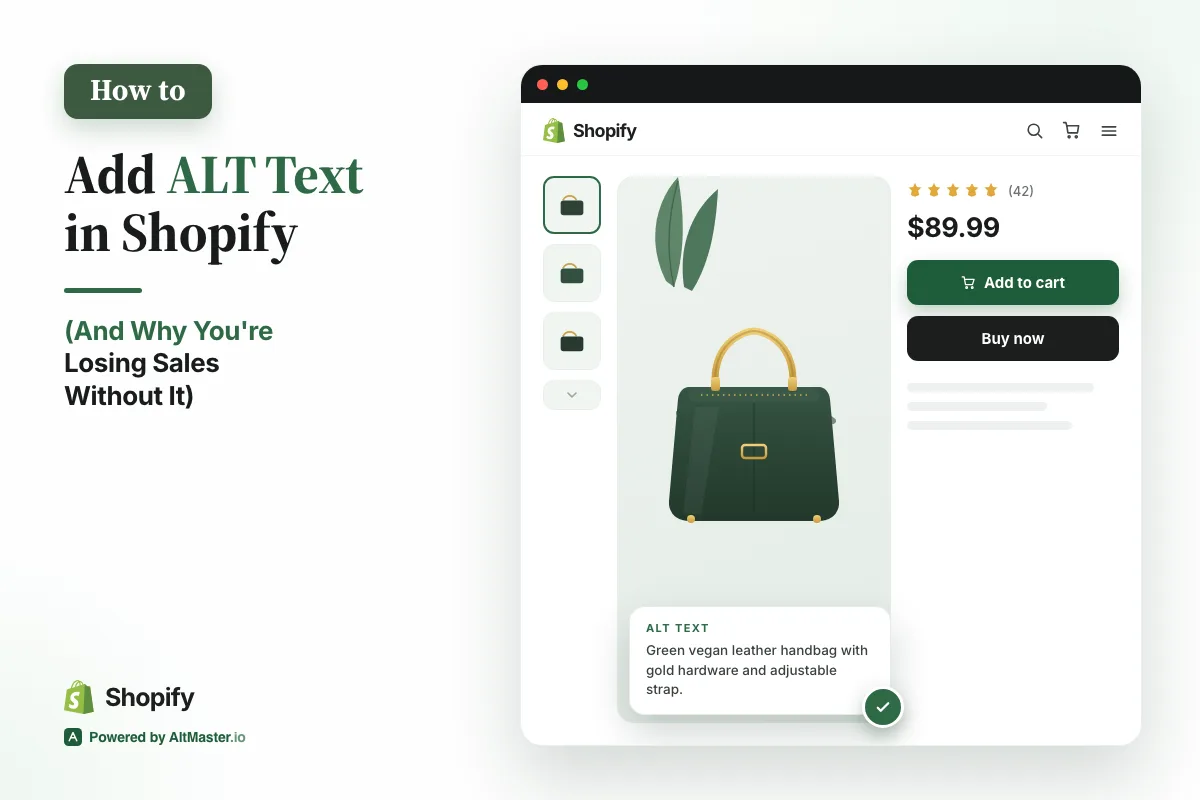
You've got great products, solid photos, and a store that looks the part. But if your images don't have ALT text, Google is skipping right over them, and so is every AI-powered search tool that's increasingly deciding what shoppers see first.
This isn't a technical deep-dive. It's a practical fix any merchant can do today.
What is ALT Text?
Think of it as a label Google reads, not your customer. ALT text is a short description you attach to an image. Your customers never see it; it lives in the background code of your store. But Google reads it every time it crawls your site.
Without it, Google sees a filename like
IMG_4872_final_v3.jpg and has no idea what's in the
photo. With it, Google knows you're selling a "matte black stainless
steel coffee tumbler, 16oz, with lid." That context matters: for
rankings, for image search, and increasingly for AI-driven results.
Good vs bad ALT text: a quick example
Here's the difference in practice:
- product image
- blue shirt
- (left blank)
Men's slim-fit Oxford shirt in navy blue, button-down collar, front view
The good version is specific, descriptive, and written like you're explaining the image to someone who can't see it. That's genuinely the right mental model, because that's exactly what you're doing.
Why your Shopify store needs ALT Text
ALT text has been an SEO standard for over a decade, which means any store that's done even basic SEO work has it covered. If yours doesn't, you're not just missing an opportunity; you're actively behind.
Google uses ALT text to understand your product pages, rank your images in search results, and build a clearer picture of what you sell. A product page with descriptive ALT text on every image sends stronger signals than a page with blank or generic ones. When you're competing for the same keywords, those signals matter.
It's not just SEO: real people need it too
Screen readers used by visually impaired shoppers read ALT text aloud. If your images are blank, those customers hear nothing, or worse, a garbled filename. In several markets, accessibility is also a legal requirement for online stores, not just a best practice.
Writing good ALT text means your store works for everyone. That's worth doing regardless of the SEO benefits.
Why ALT Text Matters in Today's AI Search Era
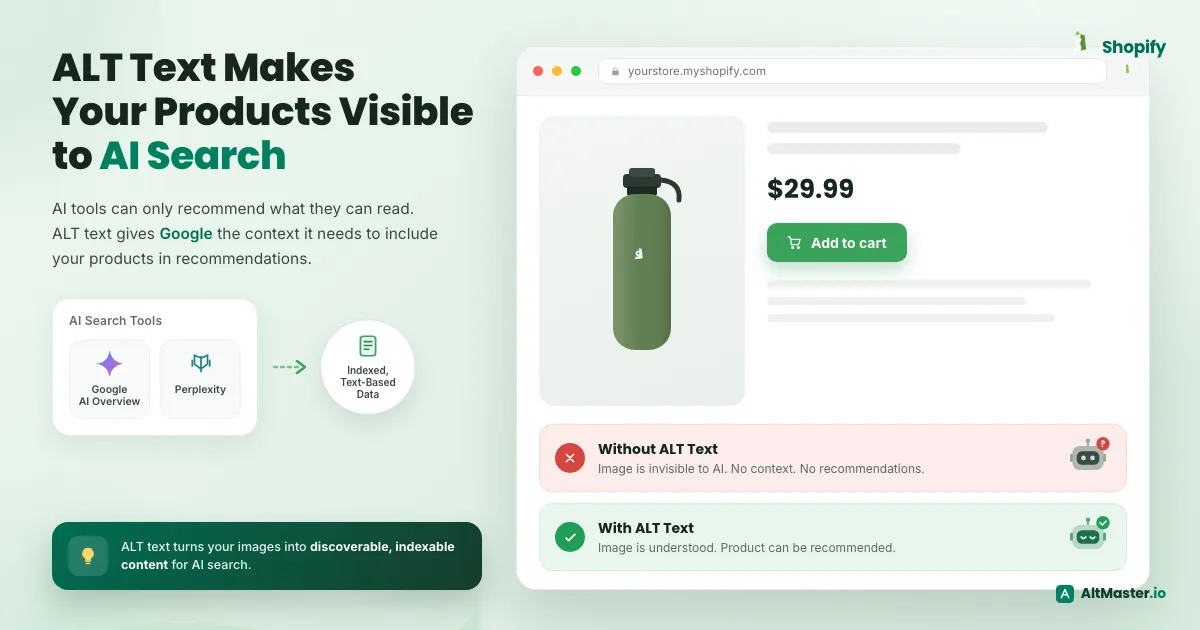
When someone asks Google's AI Overview or Perplexity to recommend a product, those tools aren't browsing your store directly. They're working from indexed, text-based data, the same data Google has been building from crawling your pages.
Images without ALT text are invisible in this context. There's no text to index, no signal to read, nothing to pull into a recommendation. Your product might be exactly what someone is searching for, but if Google can't interpret your images, it doesn't know that.
Why stores with good ALT text will win
AI search is still early. Most merchants haven't thought about how their product data feeds into it; they're focused on content and ads. That's a gap. The stores quietly building strong image metadata now are setting themselves up to show up in a search landscape that's going to look very different in the next two years.
ALT text isn't the whole answer, but it's a foundational piece. And right now, most of your competitors haven't gotten there yet.
How to Add ALT Text to Your Store Images (Step by Step)
You don't need an app or a developer. Here's the process inside Shopify:
- Go to Products in your Shopify admin.
- Open any product and click on an image.
- In the dialog that opens, find the ALT text field.
- Write a clear, specific description of what's in the image.
- Hit Save.
That's it. Repeat across each image on the page.
But the real question is how to write ALT text that ranks. Imagine describing the image to someone over the phone in one sentence. That sentence is your ALT text. Mention the product name, the key detail shown, the color or material if relevant, and the angle or context. Don't keyword-stuff it. One clean sentence is all you need.
Aim to cover:
- Hero image → product name, material, color, front view
- Detail shots → the specific feature being shown
- Lifestyle images → who's using it and how
- Size reference shots → what the scale object is
For a typical product with 4 to 6 images, this takes about 5 minutes once you're in rhythm.
How to Add ALT Text Easily: Try AltMaster
Instead of writing from scratch, you build ALT text using variables like product title, variant options, type, tags, and vendor. AltMaster also scans your existing catalog for gaps, so if you have 800 products and no idea which ones have blank ALT text, AltMaster flags every missing value and lets you fix them all in bulk rather than hunting product by product.
For stores that have never touched ALT text, or anyone migrating from a platform with zero image metadata, it turns a months-long cleanup into something you can actually complete. Run it once to clean up what's already live. Run it again every time you add new products.
Fix every missing ALT tag in one run
AltMaster scans your store, finds blank ALT text, and fills it from a template you control. Free for up to 50 products.
How to Start
Don't try to fix your whole store at once (if you're doing it manually).
Pull up your top 10 best-selling products right now. Go through every image on those product pages and write ALT text for each one. It'll take you about two hours. Those pages already have the most traffic and authority; improving their image signals has the fastest payoff of anywhere in your catalog.
Once those are done, work through your next tier.
The results won't show up overnight. Google needs to recrawl your pages, reindex the images, and fold the new data into rankings. But merchants who've done this consistently report picking up image search traffic, stronger long-tail rankings, and better overall crawl health within 30 to 60 days.
It's one of the few SEO tasks with no downside, no ongoing cost, and no technical barrier. The only question is how long you wait to start.
FAQs
Does ALT text actually affect my Shopify store's Google ranking?
Yes. Google reads ALT text to understand what's in your product images. Without it, a filename like IMG_4872.jpg tells Google nothing. Descriptive ALT text helps your images show up in search results and strengthens the overall signals on your product pages.
How long does it take to write ALT text for my products?
About 5 minutes per product once you get into a rhythm. For a single product with 4 to 6 images, you're looking at one sentence per image. Start with your top 10 best-sellers; that's roughly two hours of work on the pages that will benefit most.
Can I leave ALT text blank if my product photos are high quality?
No. Photo quality is irrelevant here; Google can't see your images the way a customer does. It only reads the text attached to them. A stunning photo with no ALT text is invisible to search engines.
Is there a right or wrong way to write ALT text?
Keep it specific and straightforward. Describe what's actually in the image: product name, color, material, angle. "Men's slim-fit navy Oxford shirt, front view" is good. "Product image" or keyword-stuffed sentences are not. One clear sentence is all you need.
Do I need a developer or an app to add ALT text in Shopify?
No developer needed. You can do it directly in your Shopify admin by opening any product, clicking an image, and filling in the ALT text field. If you have a large catalog, a tool like AltMaster can speed things up by letting you update images in bulk instead of one by one.