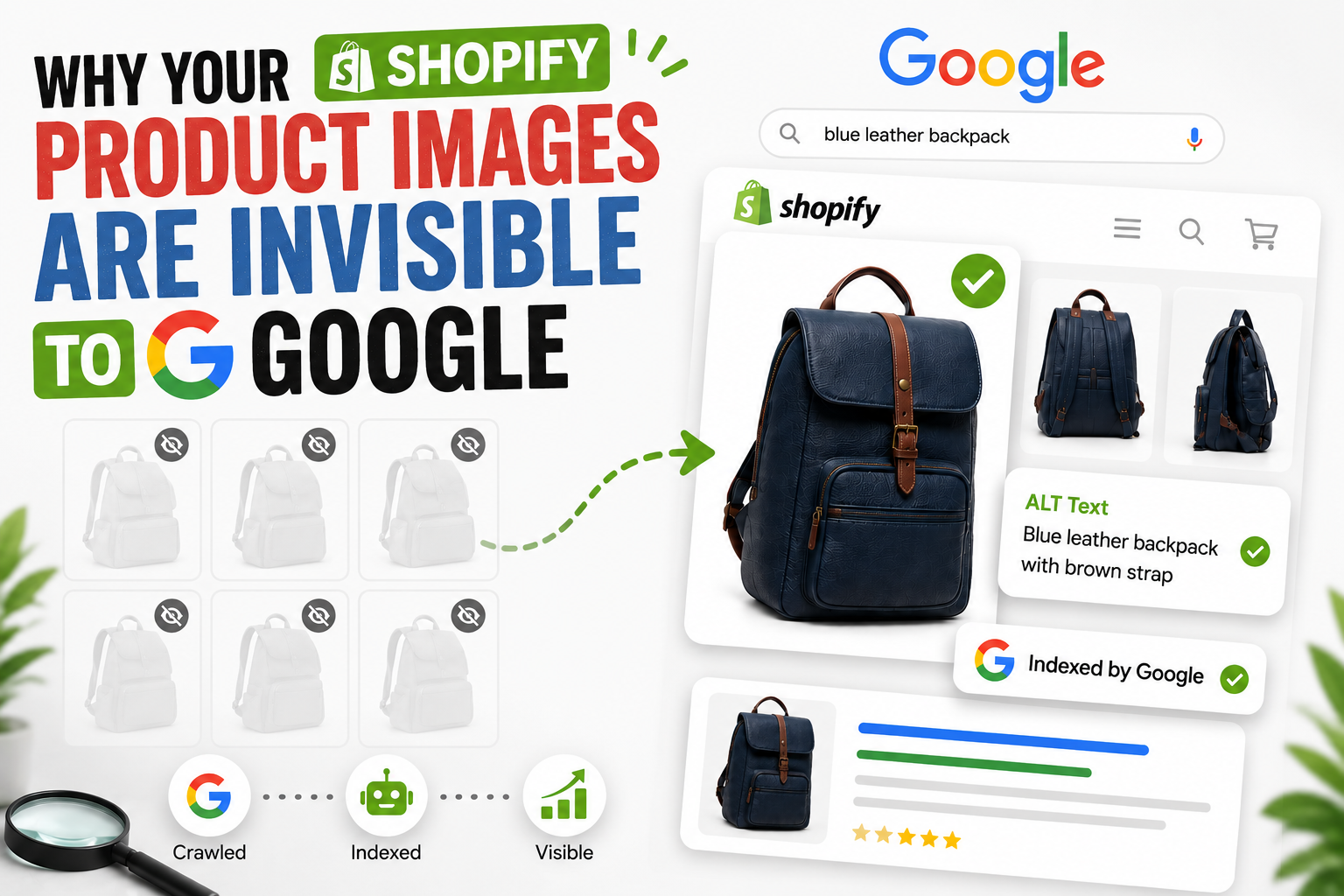
You've uploaded beautiful product photos. Your store looks great. But when someone searches Google for exactly what you sell, your images are nowhere to be found.
That's not a photography problem. It's a visibility problem - and the frustrating part is that most Shopify stores have it without even knowing.
Let's fix that.
How Google Indexes Images vs. Humans
When you look at a product photo, your brain does a lot of work in a split second - color, shape, context, even emotion. Google can't do any of that (at least not reliably). It reads text signals around an image to understand what it's showing.
Specifically, Google looks at:
- The image file name (is it IMG_4821.jpg or black-leather-wallet-mens.jpg?)
- The ALT text (a short text description attached to the image in code)
- The surrounding page content and headings
- Whether the image is included in your sitemap
Google's own documentation confirms that ALT text is one of the primary signals it uses to understand and rank images. Without it, your product photo is essentially an unlabeled box in a warehouse - it exists, but no one can find it.
What 'Invisible' Actually Means in Google Image Search
Here's a number worth sitting with: images make up around 19% of all Google search results. That's a massive chunk of real estate that most Shopify store owners aren't competing for at all.
When your images are "invisible," it means:
- They don't appear in Google Image Search
- They don't show up in Google Shopping image carousels
- They miss visual search traffic that has purchase intent behind it
Someone searching "navy slim-fit blazer" in Google Images isn't browsing out of boredom. They're close to buying. If your product image shows up there, that click goes to your product page. If it doesn't, it goes to a competitor who did the work.
The gap between stores that show up and those that don't usually comes down to one overlooked line of code.
The Missing ALT Text Problem in Shopify Themes
Here's where it gets specific to Shopify - and it's something most general SEO guides completely miss.
You might have already added ALT text to your products in the Shopify admin. You went into each product, clicked the image, typed a description, and hit save. Job done, right?
Not always.
Shopify's default Dawn theme shipped with a known bug - it had hardcoded empty alt="" in collection banners from version 7 through 13, and in some product image templates up to version 15. What that means: the text you wrote in the admin was being stored, but never actually output in the code Google reads.
Shopify has since patched Dawn, but thousands of stores are still running older versions. And third-party themes? Many have the same problem baked in.
Research suggests roughly one-third of ecommerce images have missing, repetitive, or unhelpful ALT text - not because store owners are lazy, but because the theme is quietly swallowing the work they already did.
If you want a step-by-step walkthrough of how to actually write and add ALT text in Shopify, I've covered that in detail here - How to Add Alt Text in Shopify
There's also a second, less obvious issue: even when themes do output ALT text correctly, many default to using the product title for every single image. So if you have six photos of the same product from different angles, Google sees the same description six times. That's not helpful - and some Shopify apps actually make this worse by keyword-stuffing the product title across every image, which Google has gotten pretty good at penalizing.
Real Impact on Organic Traffic
"Just fix your ALT text" sounds like generic SEO advice. But the data behind it is more compelling than most blog posts let on.
One oft-cited example is Foot Locker, which saw a 228% jump in organic traffic after fixing image indexing issues. Obviously Foot Locker is a massive operation - but the principle scales down.
A recent case study tracking a small handmade jewelry store with 180 product images found that going from zero ALT text to descriptive ALT text generated 1,847 new monthly impressions from Google Images alone - traffic that simply didn't exist before.
Stores consistently report 15-30% improvements in organic traffic from properly optimizing image ALT text. One time. Work you do once and benefit from indefinitely.
The catch: Google's image crawl cycle means changes you make today may take 3-6 weeks to show up in Search Console. So if you make fixes and don't see immediate movement, that's normal - don't abandon it.
5-Minute Fix: Adding AltMaster to Your Store
If you have 20 products, you could write ALT text by hand in an afternoon. If you have 200, that becomes a multi-day project. At 2,000 products with an average of 4-8 images each, you're looking at somewhere between 8,000 and 20,000 individual image descriptions. That's not a task - that's a nightmare.
That's where AltMaster comes in.
It's a Shopify app that automates ALT text generation across your entire product catalog - and the important distinction is that it generates per-image descriptions, not just repeated product titles stamped across everything.
Getting started takes less than 5 minutes:
- Install AltMaster free from the Shopify App Store
- Scan your catalog and see exactly how many images are missing ALT text
- Build your template using variables like product title, variant, and vendor
- Hit Generate - ALT text is written across every product, variant, and collection instantly
Beyond just writing the text, a good setup here also means checking that your theme is actually outputting the ALT attributes correctly. If you want to verify that, open any product page, right-click an image, choose "Inspect," and look at the tag. You should see alt="[your description]" - not alt="".
If you see blank alt attributes, the theme template issue mentioned earlier is still present, and you'll want to look at updating your theme or making a small code fix.
Yes. Google pulls image data from your product feed, and having well-structured image metadata improves how your products are matched and ranked in Shopping results too.
FAQs
Does ALT text actually affect my main Google rankings, or just image search?
Both. ALT text adds keyword relevance to your pages that Google uses for regular web search too, not just image results. It's a signal that reinforces what your page is about.
I added ALT text weeks ago - why isn't anything showing in Search Console?
Google's image crawl is slower than regular crawl. Give it 4–6 weeks, and make sure your images are included in your sitemap. You can submit your sitemap directly through Google Search Console.
What's a good ALT text for a product image?
Be specific and natural. Instead of "shoe," write "men's white leather sneaker with gum sole." Include a keyword if it fits naturally - but write it like you're describing the image to someone on the phone, not stuffing a keyword into a box.
Does every image on my store need ALT text?
Product images: yes, always. Decorative images (backgrounds, dividers, icons) can use an empty alt="" - this actually tells screen readers to skip them, which is the correct behavior.