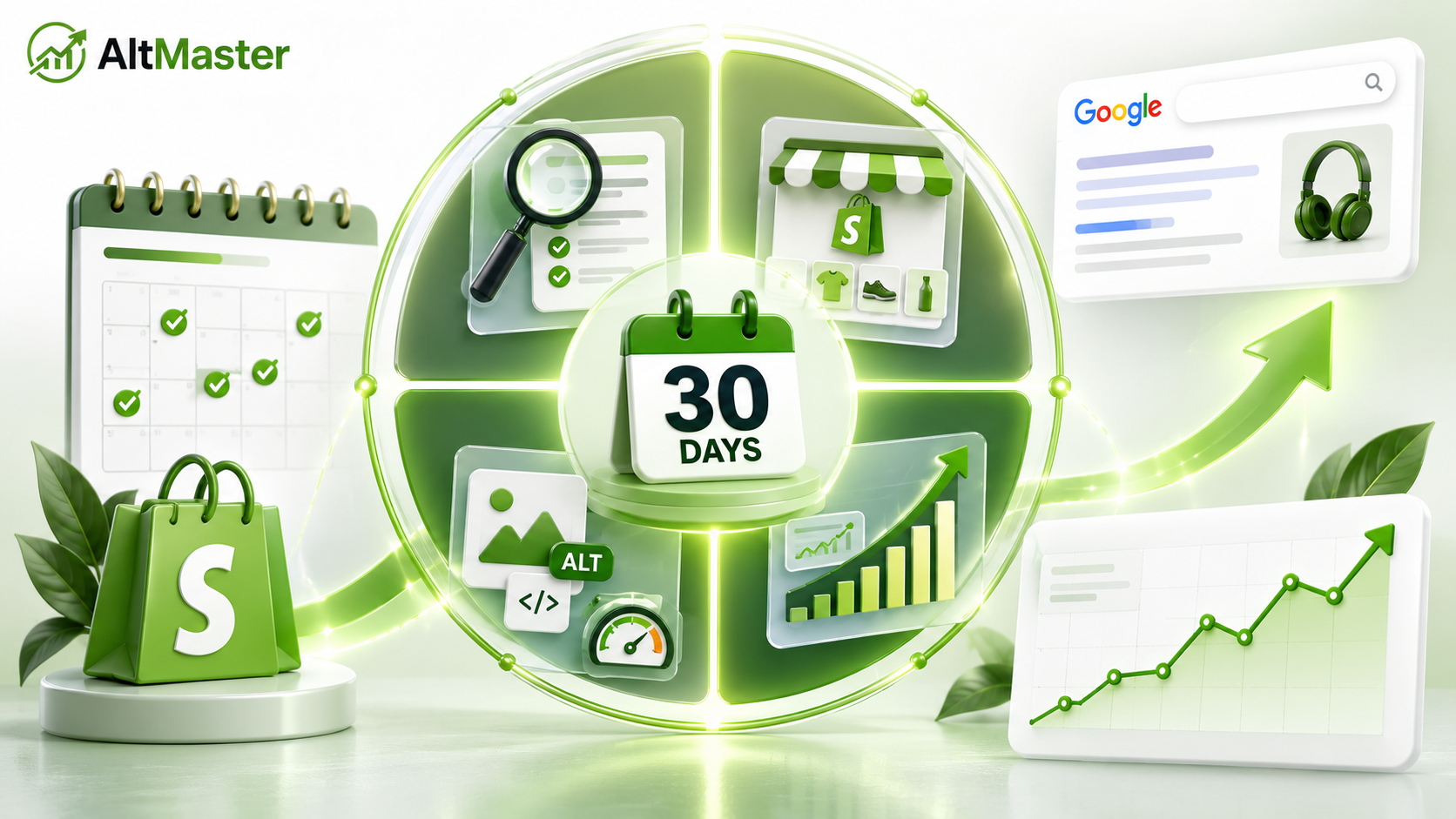
Most Shopify SEO advice tells you what to do without telling you when to do it or in what order. The result is a list of fifty things that feels overwhelming before you've started, and a plan that gets abandoned by day three.
This is different. Four weeks, specific tasks per week, ordered so that each week's work builds directly on the last. It's a shopify seo optimization plan built to be followed, not skimmed. No developer required, no paid tools needed for most of it, and no vague "create quality content" instructions that don't tell you anything practical.
The goal for 30 days isn't dramatic traffic growth. Shopify's own SEO Lead notes that most stores begin seeing measurable results within three to six months. What 30 days buys you is a clean foundation, optimized pages, and content momentum that compounds into that traffic growth over the following months. The stores that see meaningful organic growth at the six-month mark almost always did this foundational shopify seo optimization work in the first 30 days.
Why Most Shopify SEO Plans Fail Before They Start
The failure pattern is consistent. A store owner reads an SEO guide, gets motivated, writes two blog posts, fixes a handful of title tags, and then stops because there's no structure holding the effort together. That inconsistency is the main reason seo for shopify store owners never see the results compound. Three weeks later the store looks almost identical to where it started, and the conclusion drawn is that SEO doesn't work.
SEO doesn't fail because the tactics are wrong. It fails because the execution is episodic instead of sequential. Each week of this plan has a specific job. Week 1 fixes what's broken. Week 2 makes your best pages better. Week 3 creates new traffic pathways. Week 4 reads the data and sets up the next 30 days. That sequence matters as much as the individual tasks.
Week 1: Fix the Foundations First
Audit and Fix Your Title Tags, Meta Descriptions and URLs
Before you create anything new, fix what's already there. Open Google Search Console and check the Coverage report for any indexing errors, the Core Web Vitals report for page experience failures, and the Performance report to see which pages are already getting impressions. This fifteen-minute session tells you where Google sees problems before you start fixing things that aren't broken.
Then go through your top twenty products and every active collection page. For each one, check three things: the title tag (should lead with the primary keyword and stay under 60 characters), the meta description (150 to 160 characters, describe the page and give a reason to click), and the URL handle (should be clean, hyphenated, and keyword-relevant). Shopify's default behavior generates these from your product name and first description paragraph. For your most important pages, that's not good enough. Write them manually.
Fix any URL handles that are generic or bloated. When you change a URL handle in Shopify, it automatically prompts you to create a redirect. Always say yes. Every changed URL without a redirect is a broken link waiting to happen.
Resolve Image Issues: Compression, File Names and ALT Text
Image issues are the most consistently overlooked foundational problem on Shopify stores, and they compound silently across every page. Start by running your top three collection pages through Google PageSpeed Insights and looking specifically at the "Properly size images" and "Efficiently encode images" recommendations. These flags tell you exactly which images are slowing your store down.
Export your product CSV from Shopify admin under Products and check the Image Alt Text column. Every blank cell is a product image that Google cannot read, appearing across every collection page that product shows up on. For a store with 100 products and 4 images each, this is 400 individual signals Google is currently ignoring. Compress your images using TinyPNG before uploading, and rename files descriptively before they go into Shopify because the URL Shopify assigns to an image is based on the filename at upload.
For the ALT text gap specifically, AltMaster resolves this across your entire catalog in one session rather than the multi-day manual project it would otherwise be. It scans your full catalog, surfaces every missing or blank ALT text, and generates descriptions in bulk using your actual product data variables so the output reads specifically rather than generically. Getting ALT text clean in Week 1 means every subsequent shopify seo optimization you do builds on a complete image signal rather than a partial one.
Week 2: Optimize Your Most Important Pages
Prioritize High-Traffic Collection and Product Pages
Open your Search Console Performance report and sort by impressions. The pages at the top of that list are the ones with the most to gain from optimization because they're already showing up in search, just not ranking or converting as well as they should. That is where the next round of Shopify SEO optimization has the most leverage.
For each high-impression collection page, add at least 150 words of unique copy describing what's in the collection, who it's for, and what to look for when choosing. This is the single most consistently neglected fix on Shopify stores and one of the highest-leverage ones because collection pages already capture category-level search intent that product pages can't. For your high-impression product pages, check that the description is over 150 words, unique (not copied from a supplier), and that the first paragraph naturally includes the keyword the page is getting impressions for.
Strengthen Internal Linking Across the Store
Internal links do two things simultaneously: they help Google understand your store's structure, and they pass authority from stronger pages to weaker ones. Both matter for how Google evaluates your catalog as a coherent entity rather than a collection of disconnected pages.
Spend two hours this week adding internal links in three places. Add links from product descriptions to the collection they belong to. Add links from collection pages to related collections. And if you have a blog, add links from existing posts to the product or collection pages most relevant to that content. Even ten deliberate internal links added this week compound over the months ahead as Google recrawls and re-evaluates those pages.
Week 3: Create Content That Pulls in Organic Traffic
Target Buyer-Intent Keywords With Blog Posts
Week 3 is where you create new pathways into your store from searches that don't yet lead there. The most effective content for ecommerce SEO isn't general blog content. It's content that targets the specific questions buyers have before they purchase something in your category.
"What to look for when buying a linen shirt," "how to care for ceramic cookware," "best leather wallet styles for minimalists" are all buyer-intent queries that pull in readers who are actively considering a purchase. The AltMaster guide on how to use long-tail SEO and product image ALT text to capture niche searches covers the keyword research method for finding these queries using free tools before you write a word, which is worth reading before you pick your Week 3 blog topic.
Write one post this week. Not a short one. A post that genuinely answers the question better than anything currently ranking for it, with internal links to the relevant products and collections. One well-executed post beats five thin ones for SEO every time.
Add Fresh Copy to Underperforming Collection Pages
Pull your collection pages sorted by sessions from Search Console. The ones at the bottom of the list with low impressions despite being active collections are your targets. Most of them have no copy at all, which means Google has no text to evaluate them against category searches.
Add 150 to 200 words to each underperforming collection page describing what's in the collection, who it's designed for, and what distinguishes these products within the category. The full playbook for how to optimize Shopify collection pages for SEO including copy structure and keyword placement is the reference to keep open while you write these, especially the section on matching copy to search intent rather than just describing what's in the collection.
Week 4: Measure, Adjust and Build the Next 30 Days
Week 4 isn't more fixing. It's reading what the first three weeks produced and using that information to build the next 30-day plan.
Open Search Console and compare the last 28 days to the 28 days before you started this plan. Look for pages where impressions increased after you made changes. Look for queries that your store is now ranking for that it wasn't before. Look for pages that are showing impressions but getting almost no clicks, which is usually a title tag or meta description problem worth addressing in the next cycle.
Check your Core Web Vitals report to see whether the compression and image fixes from Week 1 improved your scores. Improvements in LCP and CLS often take two to four weeks to show up in Search Console field data because Google aggregates real user data over rolling 28-day periods.
Run AltMaster's free ALT text checker to confirm your catalog's ALT text coverage held across any new products added during the month. New products going live without ALT text is the most common way stores rebuild the gap they just fixed.
Then set your next 30-day priorities for continued shopify seo optimization. Which collection pages still need copy? Which blog topics got the most traction and are worth expanding into a content cluster? Which product pages are ranking on page two for valuable queries and are worth a description rewrite? The guide to setting up a recurring monthly Shopify SEO maintenance routine turns this Week 4 review into a repeatable system so the momentum you built in 30 days doesn't stop there.
Conclusion
Thirty days of focused SEO work won't transform your traffic overnight. What it will do is fix the problems that have been quietly costing you rankings, optimize the pages with the most to gain, create new content pathways into your store, and give you real data to build the next 30 days on.
The stores that see meaningful organic traffic growth at six months are almost always the ones that did this foundational shopify seo optimization work at the start. Not because the tasks are complicated, but because they did them in the right order, consistently, without stopping after the first week.
FAQs
How much organic traffic growth can I realistically expect in 30 days?
For most Shopify stores, 30 days is too early to see significant traffic growth because Google recrawls and re-evaluates pages on its own timeline, so early shopify seo optimization work often shows up as impressions before it shows up as traffic. What you should see in 30 days is movement in Search Console impressions for the pages you optimized, early rankings for long-tail keywords targeted in your blog content, and improved Core Web Vitals scores from the image compression work. The traffic growth that converts those impressions into sessions typically shows up between months three and six, which is exactly what this plan is building toward.
What should I prioritize if I only have 2 hours a week for SEO?
Week 1 compression and ALT text, Week 2 collection page copy, Week 3 one buyer-intent blog post, Week 4 Search Console review. If you genuinely only have two hours a week, skip internal linking and URL handle cleanup in the first cycle and come back to them once the higher-impact work is done. The ALT text work specifically should be handled with AltMaster rather than manually if your catalog is over 50 products, because manual ALT text at two hours a week will take months to complete and the catalog will keep growing.
Do I need paid tools to follow this 30-day plan?
No. Google Search Console is free and covers the tracking, keyword research, and technical auditing this plan requires. Google PageSpeed Insights is free and covers speed diagnostics. TinyPNG is free and covers image compression. The one area where a paid tool earns its place in this plan is ALT text at scale: if your catalog is over 50 products, manually fixing ALT text in two-hour weekly sessions isn't realistic, and AltMaster handles the full catalog in one session at a cost that's a fraction of what the manual time would be worth.