The most common SEO mistake Shopify store owners make isn't a bad meta title or a missing sitemap. It's treating SEO as something you do once and then move on from.
The stores that build consistent organic traffic are rarely the ones that did the biggest one-time SEO overhaul. They're the ones that spent thirty minutes a week keeping things clean - catching new products that launched without ALT text, fixing pages that started losing traffic, updating collection copy that went stale. Small, regular inputs that compound over months into a meaningful advantage.
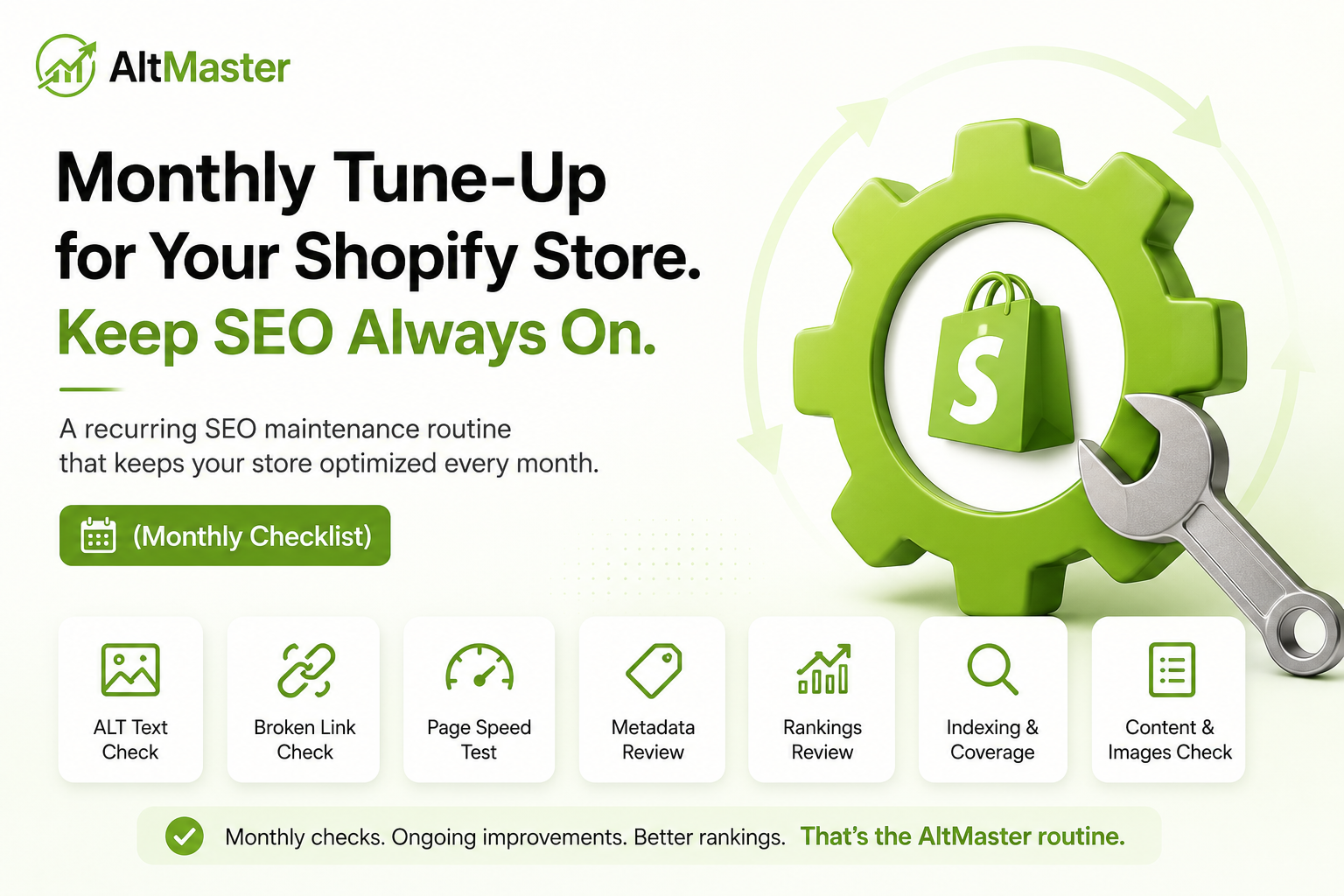
This is the monthly routine that makes that happen - broken into four focused weeks so it never feels like a project.
Why Shopify SEO Is Not a Set-It-and-Forget-It Game
Search engines favor consistently updated sites over those with irregular activity - the key is regular maintenance rather than sporadic intensive work. Google recrawls your store continuously, and every new product, deleted page, or changed URL is a signal it re-evaluates. A store that launched with clean SEO in January and hasn't touched it since is a store that's slowly accumulating broken links, missing metadata on new products, and stale content on pages that could be ranking better.
Shopify SEO typically takes three to six months for technical and on-page fixes to show up in rankings, and six to twelve months for content-driven traffic to compound meaningfully. That timeline only works if you're consistently adding inputs. A sporadic audit every six months doesn't build momentum the way a focused thirty-minute weekly check does.
Week 1 - Content & Product Page Health Check
Review New Product Titles, Descriptions & Meta Tags
Every product that went live in the past month is your starting point. Open each one in your Shopify admin and run through a quick checklist:
- Does the product title lead with a keyword a customer would actually search?
- Is the description over 150 words and written for the buyer, not just for Google?
- Has the "Search engine listing" section been filled in - title tag under 60 characters, meta description under 160 that gives someone a reason to click?
By default, Shopify generates title tags from your product name and meta descriptions from the first line of your product description. For many products that's fine. For your best-sellers and any new arrivals in competitive categories, it's worth writing these manually. Thirty seconds per product pays dividends for months.
Check & Fix ALT Text on Newly Added Products & Variants
This is the task that most monthly routines skip entirely - and it's the one that compounds the fastest. Every product that went live without ALT text is a set of images Google can't read, sitting on your store right now. As the guidance on ranking Shopify stores on Google makes clear, SEO without tracking is guesswork - and the same applies to image metadata: without a system for checking new products, the gap builds silently until it's a catalog-wide problem.
The detail that trips up most stores isn't the main product images - it's the variant images. A new product in five colors with no variant-specific ALT text is five missed long-tail ranking opportunities, each one representing a shopper searching for that specific color who won't find you in Google Images. Why Shopify product images become invisible to Google and how to fix it covers exactly how this gap accumulates across a growing catalog and what it costs in indexing terms.
This is where AltMaster turns a recurring task into a habit that takes minutes rather than hours. Instead of opening each new product and filling in ALT text fields one by one, run AltMaster at the start of each month - it scans your catalog, flags every new image added since your last run with missing or blank ALT text, and bulk-generates descriptions using your saved template variables. New products get covered automatically, variant images get their own specific descriptions, and your catalog stays clean without a manual catch-up session every week. The full system for how bulk generation works across a growing catalog is covered in the complete guide to bulk generating ALT text for your entire Shopify store.
Week 2 - Technical & Speed Audit
Check Page Speed & Image Compression
Run your top five product pages and your top three collection pages through Google PageSpeed Insights individually - not just your homepage. Collection pages carry the most image weight and are where speed problems consistently hide. Look specifically at the "Properly size images" and "Eliminate render-blocking resources" recommendations - these two flags account for the majority of Shopify speed issues.
Google's Core Web Vitals - LCP (Largest Contentful Paint), INP (Interaction to Next Paint), and CLS (Cumulative Layout Shift) - are confirmed ranking factors in 2026, and your scores directly affect where you appear in search results. A collection page that takes four seconds to load on mobile is losing both rankings and sales simultaneously. If new product images were uploaded this month without compression, that's where the slowdown usually appears.
Fix Broken Links & Redirect Errors
Open Google Search Console and check the Pages report under Indexing for any new "Not Found" errors that appeared in the last thirty days. Every deleted product or renamed collection that doesn't have a redirect set up is a broken link sending both Google and customers to a 404 page.
Fix these immediately in Online Store → Navigation → URL Redirects - point each old URL to the most relevant live page. It takes thirty seconds per redirect and prevents compounding crawl budget waste from Google repeatedly hitting dead ends. For a full step-by-step technical image audit that goes deeper than the monthly check, the Shopify SEO audit checklist for finding and fixing every image issue on your store is worth running quarterly alongside this monthly routine.
Week 3 - Rankings & Traffic Review
Track Keyword Movements in Google Search Console
Open Search Console and go to Performance → Search Results. Set the date range to the last 28 days compared to the previous 28 days. Sort by impressions and look for two things: pages where impressions are growing (opportunity to improve click-through rate by rewriting the meta description), and pages where impressions are falling (potential ranking drop worth investigating).
A page that moves from position 30 to position 8 can go from ten clicks per month to 500+ - the difference between a page that drives nothing and one that's a meaningful traffic source. Spotting those movements early, while they're still recoverable, is what this weekly check is for.
Spot Pages Losing Traffic & Diagnose Why
For any page showing a meaningful traffic drop, run through this quick diagnostic in order:
Was content recently changed? Updated product descriptions or collection copy sometimes temporarily dip in rankings as Google re-evaluates them. If the change was recent, give it four to six weeks before acting.
Did a competitor recently outrank you? Search the keyword yourself in an incognito window and look at what's ranking above you now. If a competitor's page is better - longer, more specific, better images - that's the signal to improve your content, not just re-optimize keywords.
Did the page lose internal links? If a collection was restructured or a product was moved to a different URL, internal links pointing to the old URL may have broken silently without triggering a 404. Check that links from related collections and product descriptions still resolve correctly.
Is there a new technical issue? Re-run the affected page through PageSpeed Insights and check Search Console's Coverage report for any indexing errors flagged on that specific URL.
Week 4 - Plan Next Month's SEO Priorities
The last week of the month isn't more fixing - it's stepping back and deciding what to focus on next month based on what the data showed you.
Identify your three biggest opportunities. From your Search Console review, which pages are closest to a meaningful ranking jump with a small improvement? Which new products added this month are in competitive categories that need stronger descriptions and ALT text? Which collections are still running on empty copy?
Set one content goal. If you have a blog, plan one post for next month that targets a long-tail informational query your customers search before they buy. If you don't have a blog yet, identify one collection page that could benefit from an additional paragraph of copy.
Review which tools are earning their place. Once a quarter, open your Shopify admin and look at your installed apps. Every SEO or image app that's running scripts on every page is adding load time. Keep the ones that actively produce results - a tool like AltMaster that keeps your ALT text clean across the catalog automatically earns its place every month. Apps that you set up once and never opened again are worth reconsidering. For a current breakdown of which Shopify SEO apps are actually worth keeping versus which ones just add script weight, the AltMaster guide to the best Shopify SEO apps for 2026 covers the full comparison.
Conclusion
A monthly SEO routine doesn't need to be a full day of work. Four focused sessions - one per week, each with a specific job - keep your Shopify store in good health without SEO becoming a project you keep postponing.
Week 1 catches the metadata gaps that new products create. Week 2 keeps your technical foundation clean. Week 3 tells you what's working and what's slipping. Week 4 turns that information into a plan for next month. Run it consistently for three months, and you'll start to see the compound effect of regular, deliberate SEO maintenance in your Search Console data.
FAQs
How much time should a monthly Shopify SEO routine actually take?
For most stores, two to three hours spread across four weeks - roughly thirty to forty-five minutes per weekly session. The Week 1 content and ALT text check takes the longest if you launched many new products that month; the other weeks are mostly review and minor fixes. Stores using AltMaster for automated ALT text coverage on new products can cut the Week 1 image check down to a five-minute verification rather than a manual editing session.
What's the first thing to check when traffic suddenly drops?
Open Google Search Console and look at the Performance report for a sharp drop in impressions on a specific date. If impressions dropped across many pages simultaneously, it's usually a Google algorithm update - check SEO news for that date. If it's one or two pages, check for recent content changes, broken internal links pointing to those pages, or new indexing errors in the Coverage report. A sudden drop in impressions on image-heavy collection pages often traces back to a page speed regression from a new app or uncompressed product image upload.
Do I need paid SEO tools for a monthly maintenance routine?
No. Google Search Console and Google PageSpeed Insights are both free and cover the core of what this routine requires - keyword tracking, traffic data, technical performance, and indexing errors. Paid tools like Ahrefs or SEMrush add value for competitive keyword research and backlink monitoring, but they're not necessary for the monthly maintenance work described here. The one area where a paid tool consistently earns its place is ALT text management at scale - AltMaster's bulk ALT text generation for Shopify handles what would otherwise be hours of manual monthly work in a single automated run.