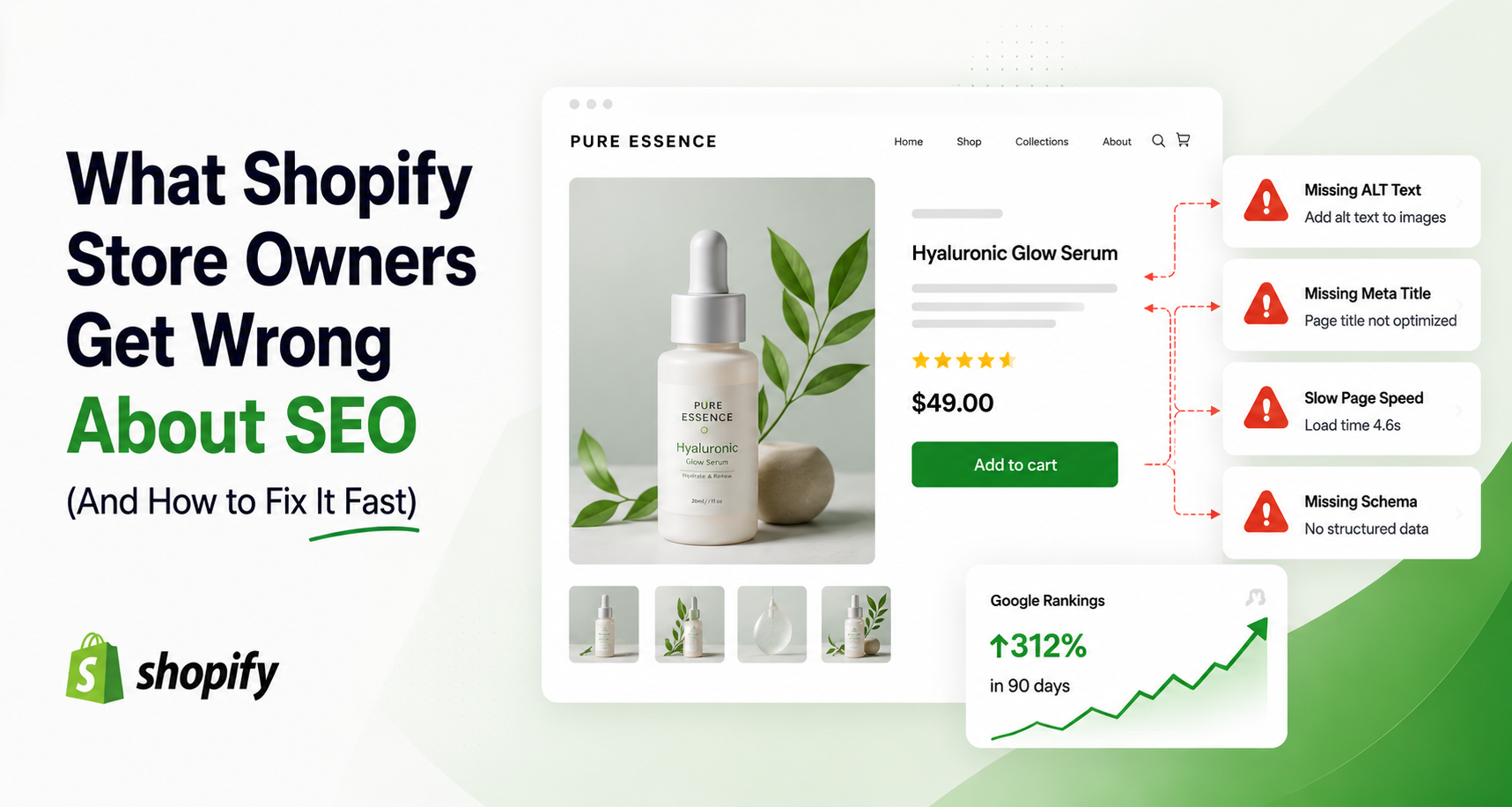
I've looked at a lot of Shopify stores over the years, and the SEO mistakes are almost always the same five. Not because store owners aren't trying - most of them have read the blog posts, installed an SEO app, done the "basics." The problem is that the basics they did were often the wrong basics, or they did them once and walked away.
This isn't a list of obscure technical tricks. It's the stuff that's actually costing you traffic right now, and what to do about each one.
Why Most Shopify SEO Advice Doesn't Work for Real Stores
Most SEO content online is written for blogs and SaaS companies, then loosely repackaged for e-commerce. That's part of the problem - Shopify stores have unique structural issues (variant URLs, collection duplication, image-heavy pages) that generic SEO advice doesn't address.
The other part of the problem is mindset. SEO gets treated like a launch-day checkbox instead of what it actually is: an ongoing input that compounds - or decays - based on whether you keep showing up.
Mistake #1: Treating SEO as a One-Time Setup
This is the most common one. A store owner sets up their meta titles, writes their product descriptions, submits a sitemap - and then never touches SEO again. Six months later, traffic has flatlined, and they assume "SEO just doesn't work for my niche."
It's not that it stopped working. It's that SEO was never designed to be a one-time task.
The Fix: Treating SEO as an Ongoing Process
Google rewards stores that show consistent signals of being active and relevant - new content, updated product pages, fresh collections. Set a recurring monthly check: are new products getting proper titles and descriptions, or are they going live with default Shopify placeholders? Is your blog (if you have one) still adding content, or did it stop after the third post? SEO isn't glamorous maintenance work, but it's the difference between a store that compounds and one that plateaus.
Mistake #2: Ignoring Image SEO Completely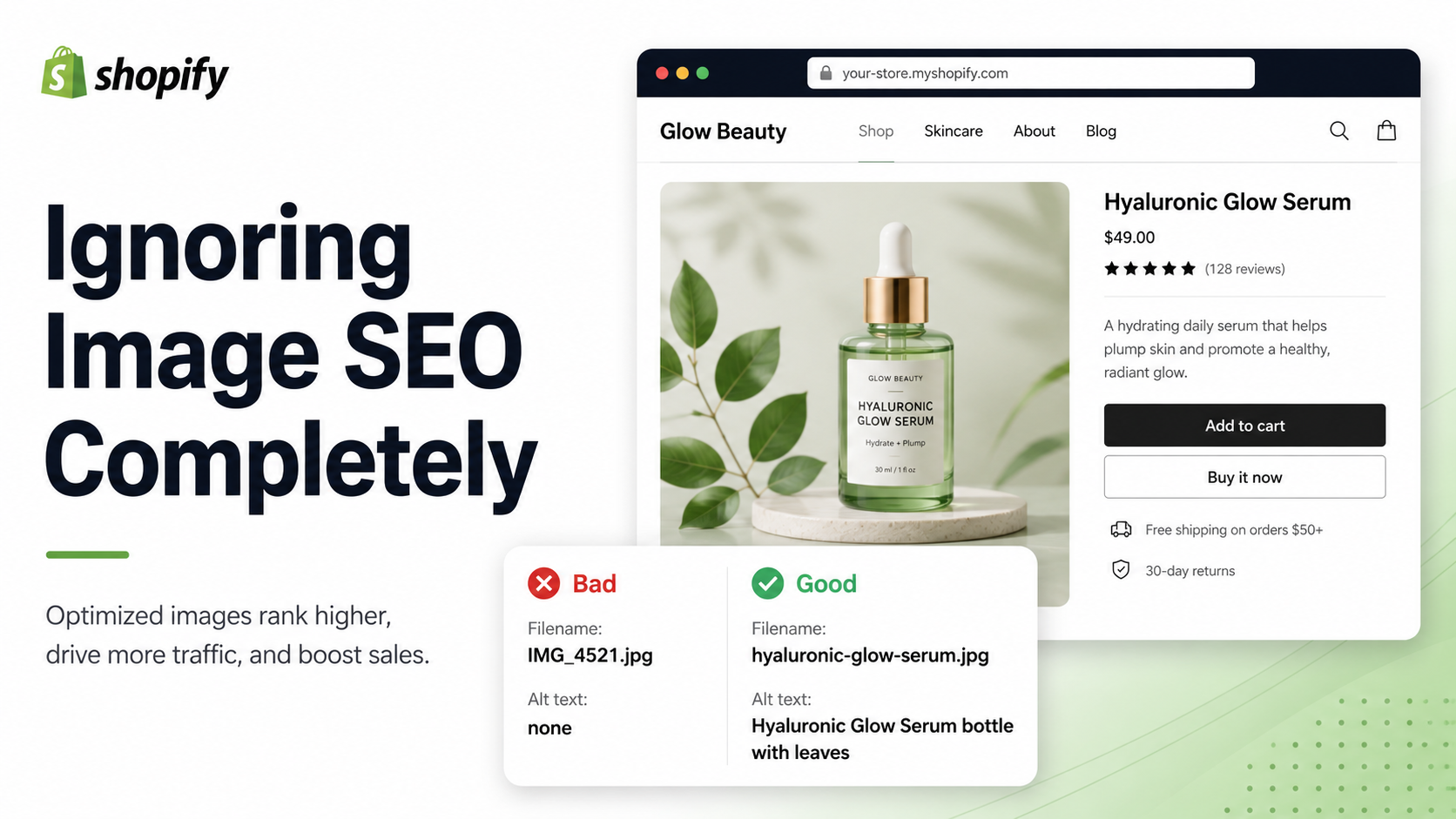
This is the one that surprises people most, because it feels like the smallest detail in the whole list - and it's almost always the most neglected.
Why Blank ALT Text Is Costing You Traffic
Every product image without ALT text is invisible to Google. Not "ranks poorly" - invisible. There's no text for Google to read, so there's nothing to index for image search, and nothing to factor into your product page's overall relevance signal.
This isn't just an SEO problem anymore, either. AI shopping assistants like ChatGPT and Perplexity work from indexed, text-based data when they decide what to recommend - they don't browse your store visually. The AltMaster's breakdown of why products don't show up on ChatGPT covers exactly what these tools see (and don't see) when they scan a storefront, and blank ALT text is consistently the reason products get skipped entirely.
ALT text also does double duty for accessibility and, in some regions, legal compliance - it's not purely an SEO play. This breakdown of why ALT text matters covers all three angles if you want the fuller picture.
The Fix: Bulk-Optimizing Images the Right Way
For a handful of products, fixing this manually is fine - open each image in your Shopify admin, write a clear ALT text describing what's actually in the photo, save, repeat.
But most stores don't have a handful of products. They have hundreds, each with multiple variant images, and manually writing ALT text for all of them is realistically a multi-day project most owners never finish.
This is exactly the gap AltMaster fills. It scans your full catalog, flags every image with missing or weak ALT text, and lets you generate descriptions in bulk using template variables - product name, color, material, variant - so the output still reads naturally instead of like a robot wrote it. What would take days manually takes minutes, and it keeps working automatically as you add new products.
Mistake #3: Duplicate Content Across Products & Collections
This one's sneaky because it doesn't feel like a mistake - it feels like efficiency. Copy the manufacturer description, paste it in, and move to the next product. Duplicate a product to create a color variant, and forget to rewrite the description.
The cost is real. Research analyzing tens of thousands of e-commerce sites found that stores with over 1,000 duplicate pages get roughly a third less organic traffic than comparable stores with clean canonicalization. Google doesn't know which version to rank, so it often picks the weakest one - or ranks none of them.
The Fix: Writing Unique Copy at Scale
You don't need to rewrite everything from scratch. For genuine product variants, focus on changing 40–50% of the description - different use cases, styling notes, or specific benefits unique to that version. For collection pages, write even a short paragraph of original copy describing what's in the collection and who it's for; this alone prevents most collection-level duplication. Run a quarterly check using Google Search Console's Page Indexing report to catch new duplication before it compounds.
Mistake #4: Chasing Keywords Instead of Search Intent
A lot of store owners stuff their primary keyword into every title and description, assuming more repetition equals more relevance. But Google has moved well past simple keyword matching - it's evaluating whether your page actually answers what the searcher wants.
Someone searching "best running shoes for flat feet" isn't looking for a generic running shoe page with the word "running shoes" repeated five times - they want a page that specifically addresses flat feet, arch support, and recommendations suited to that need. Write for that actual intent, and the keyword relevance follows naturally. Chasing the keyword without addressing the intent behind it is one of the fastest ways to write content that ranks for nothing.
Mistake #5: Neglecting Page Speed for "Pretty" Themes
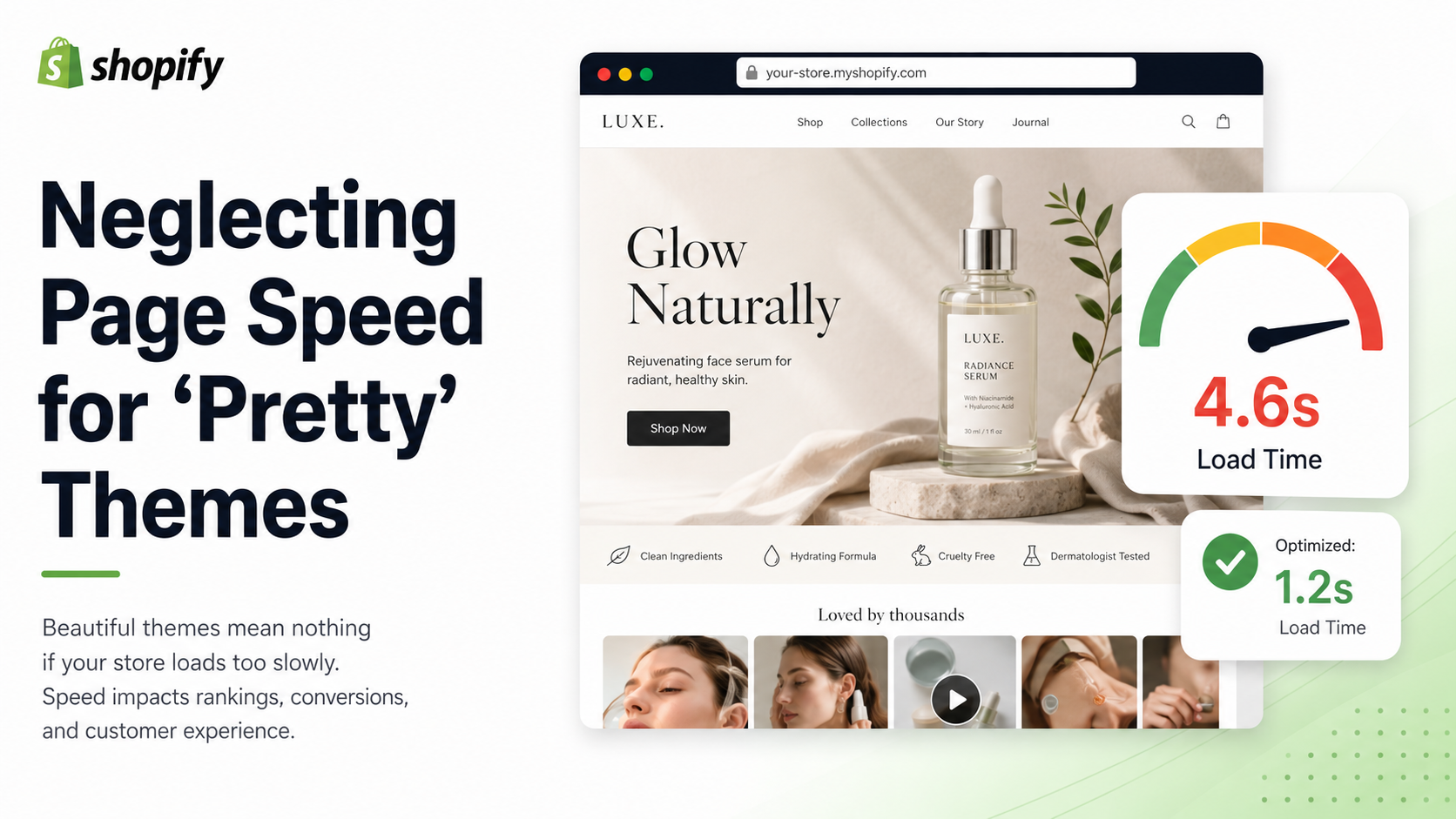
A beautiful, animation-heavy theme with parallax effects and four embedded apps will absolutely hurt your rankings if it loads slowly - and on mobile, where most shoppers are, the gap is even more noticeable. Google has confirmed page speed as a ranking factor for years now, and it's also a direct conversion factor: slow pages lose sales regardless of how they rank.
The two biggest culprits are almost always uncompressed images and too many third-party app scripts loading on every page. Run your store through Google PageSpeed Insights and see where you actually stand before assuming your theme is the problem - sometimes it's just bloated images dragging everything down.
Conclusion
None of these five mistakes is complicated to fix individually. The real issue is that most stores are making two or three of them simultaneously, and the compounding effect is what actually tanks organic growth. Pick the one costing you the most right now - for most stores, that's image SEO - and fix it properly before moving to the next. Small, consistent fixes beat one big overhaul every time.
FAQs
What's the most common SEO mistake new Shopify stores make?
Treating SEO as a one-time setup task instead of an ongoing process. Stores configure their basics at launch and then stop, missing the compounding effect that comes from consistently updating content, fixing new issues, and adding fresh pages over time
Does duplicate product content actually hurt rankings?
Yes. Studies analyzing thousands of e-commerce sites consistently show stores with significant duplicate content getting less organic traffic than stores with clean, unique copy and proper canonical tags. Google doesn't penalize duplication directly, but it dilutes the page ranks, and often the result is that none of them rank well.
How quickly can fixing image ALT text improve my SEO?
Image indexing typically happens on Google's next crawl of your site, which can range from days to a few weeks, depending on your site's crawl frequency. The bigger gain tends to show up over 1–3 months as your image search visibility builds and AI search tools start picking up your products correctly. Fixing it at scale with a tool like AltMaster means you're not waiting weeks to do it manually - it's done in one run.