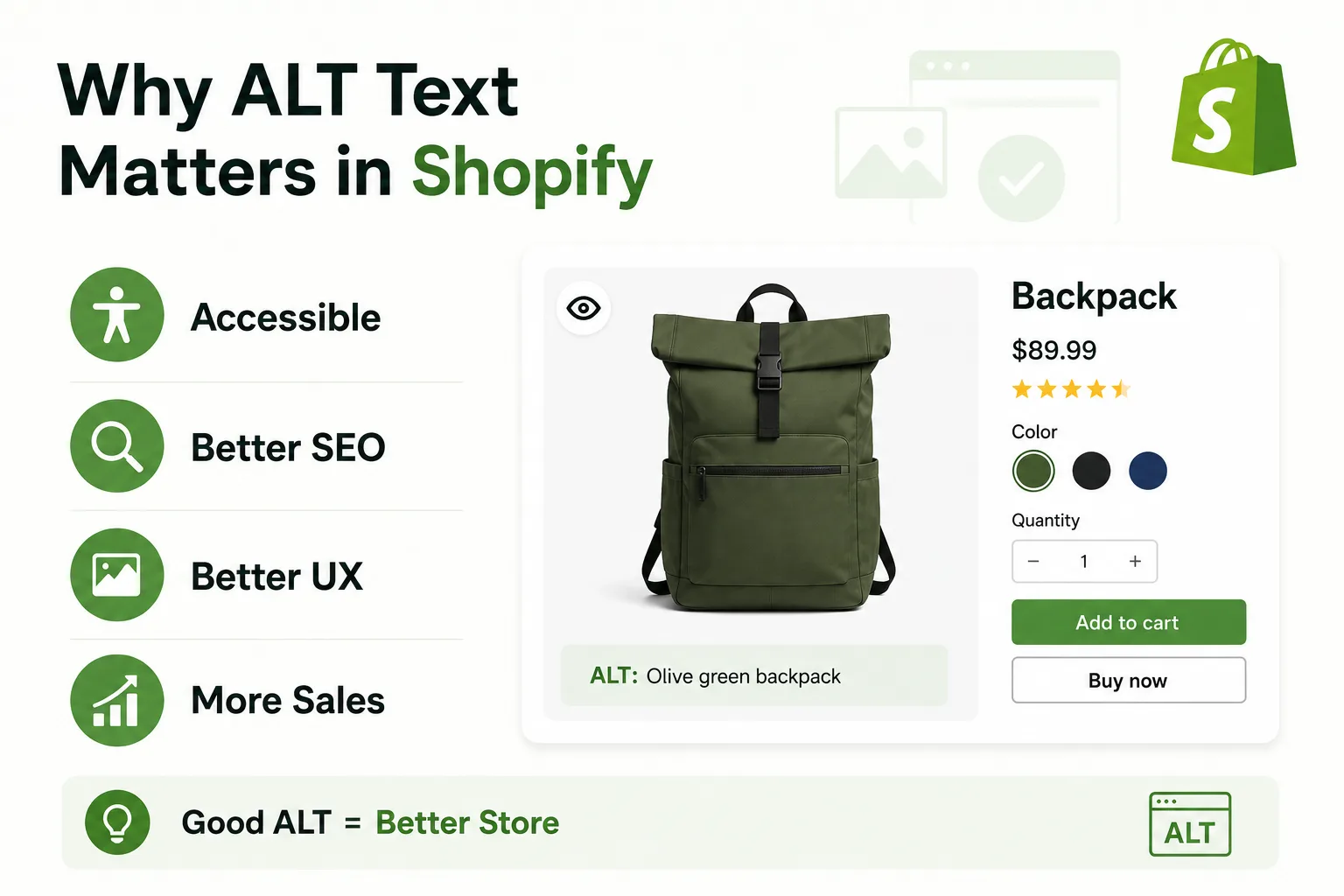
Let me ask you something real quick - when was the last time you looked at your product images and thought, "Hey, do these actually have alt text? "
If your answer is "what's alt text?" - don't worry, you're not alone. Most Shopify merchants are out here obsessing over their product descriptions, their discount codes, their abandoned cart emails... and completely skipping over one of the easiest wins hiding right inside their image settings.
Today, we're fixing that. And I promise, by the end of this, you'll actually want to go update your images.
What Does Alt Text Do on Shopify?
Alt text (short for "alternative text") is basically a written description of your image. It lives in the background of your store - your customers don't see it, but Google does. And more importantly, so do screen readers used by people with visual impairments.
Think of it as a tiny caption you write for the internet's eyes - not yours.
SEO, Accessibility, and Legal Compliance
Here's where it gets interesting. Alt text isn't doing just one job - it's quietly working three jobs at the same time.
SEO
Google cannot look at your beautiful product photo and know it's a "red leather crossbody bag with gold zippers." Without alt text, that image is just a file. With it, it becomes searchable content.
Accessibility
Screen readers read your alt text out loud for visually impaired shoppers. No alt text means they literally have no idea what your product looks like. That's a customer you just lost before they even got to your Add to Cart button.
Legal compliance
And this is the one that makes merchants sit up straight. Missing alt text is one of the first things accessibility lawyers check, because it's easy to prove.
ADA and WCAG: What Shopify Store Owners Need to Know
This isn't scare tactics, it's just facts worth knowing. In 2024 alone, over 4,600 ADA website accessibility lawsuits were filed in the United States, and e-commerce sites are among the most frequent targets. The average settlement ranges from $25,000 to $75,000 - and missing alt text is one of the first things lawyers check, because it's easy to prove.
The good news? Alt text is one of the easiest fixes you can make. It costs you nothing but a few minutes.
Alt Text for SEO: How to Optimize Your Images
Okay, legal stuff aside - let's talk about something more exciting: getting more traffic without spending a rupee on ads.
How Google Reads Your Images
Google's bots crawl your entire store, but they can't "see" images the way humans do. They read the alt text to understand what an image contains. So when someone searches "minimalist silver ring under 2000 rupees," Google uses alt text (among other signals) to decide whether your product page deserves to show up.
No alt text = invisible image = missed ranking opportunity. Simple as that.
What Makes Alt Text SEO-Friendly
Good alt text is specific, natural, and actually describes what's in the image. It's not keyword stuffing, and it's not generic filler. The sweet spot is writing it like you'd describe the product to someone over the phone - clear, honest, and to the point.
How to Write Good Alt Text
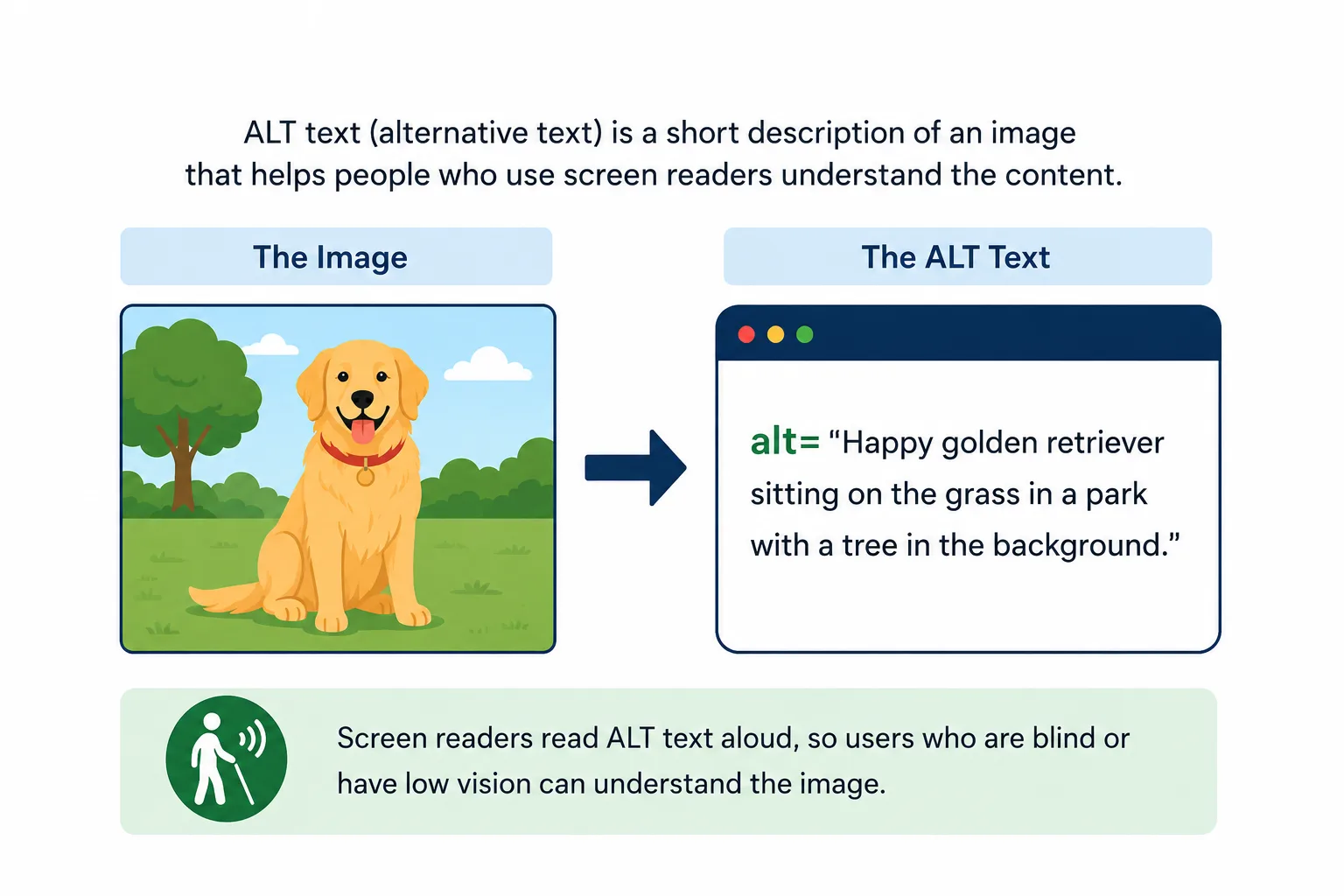
Here's where most guides get boring. I'll keep it short and actually useful.
A Simple Formula to Follow
image1.jpg
Women's silk kurta in dusty rose with hand embroidery
That's it. That's the whole formula. It works for product images, lifestyle shots, banner images - all of it.
What to Avoid
Don't start with "Image of..." or "Photo of..." - Google already
knows it's an image. Don't stuff five keywords in there hoping to
rank for everything. And please, don't leave it blank or use the
default file name. DSC_04821_final_FINAL.jpg is not alt
text.
Don't Want to Do It Manually? Try AltMaster
Let's be real - if you have 200 products with 4 images each, writing alt text manually sounds like a weekend you'll never get back.
AltMaster is a Shopify app built specifically for this. It automatically generates optimized alt text for all your product images, saving you hours of work while making sure every image on your store is SEO-ready and accessibility-compliant. You install it, let it run, and your entire image library gets sorted - no copywriting degree required.
For merchants who are serious about growing their store without burning out on manual tasks, it's a genuinely smart addition to your app stack.
Sort your whole image library in one run
AltMaster scans your store, finds blank alt text, and fills it from a template you control. Free for up to 50 products.
Conclusion
Alt text is one of those things that feels small until you realize how much it's quietly affecting your SEO, your accessibility, and yes, even your legal standing. The good news is it's also one of the easiest things to fix - either by updating images one by one, or by using a tool like AltMaster to handle it in bulk.
Your store deserves to be found. And your customers - all of them - deserve to have a good experience when they get there. Alt text helps you do both.
FAQs
Is alt text really that important for a small Shopify store?
Yes, maybe even more so. Smaller stores rely heavily on organic traffic, and every image without alt text is a missed chance to rank.
How long should alt text be?
Keep it under 125 characters. Enough to be descriptive, short enough to stay readable.
Does Shopify add alt text automatically?
No. Shopify gives you the field, but filling it in is entirely up to you - unless you're using an app like AltMaster.
Will adding alt text immediately improve my rankings?
Not overnight, but consistently optimized images contribute to better overall SEO over time. Think of it as planting seeds, not flipping a switch.
What if I have hundreds of products - where do I even start?
Start with your bestsellers and most-visited pages first. Then use a bulk tool like AltMaster to catch everything else.