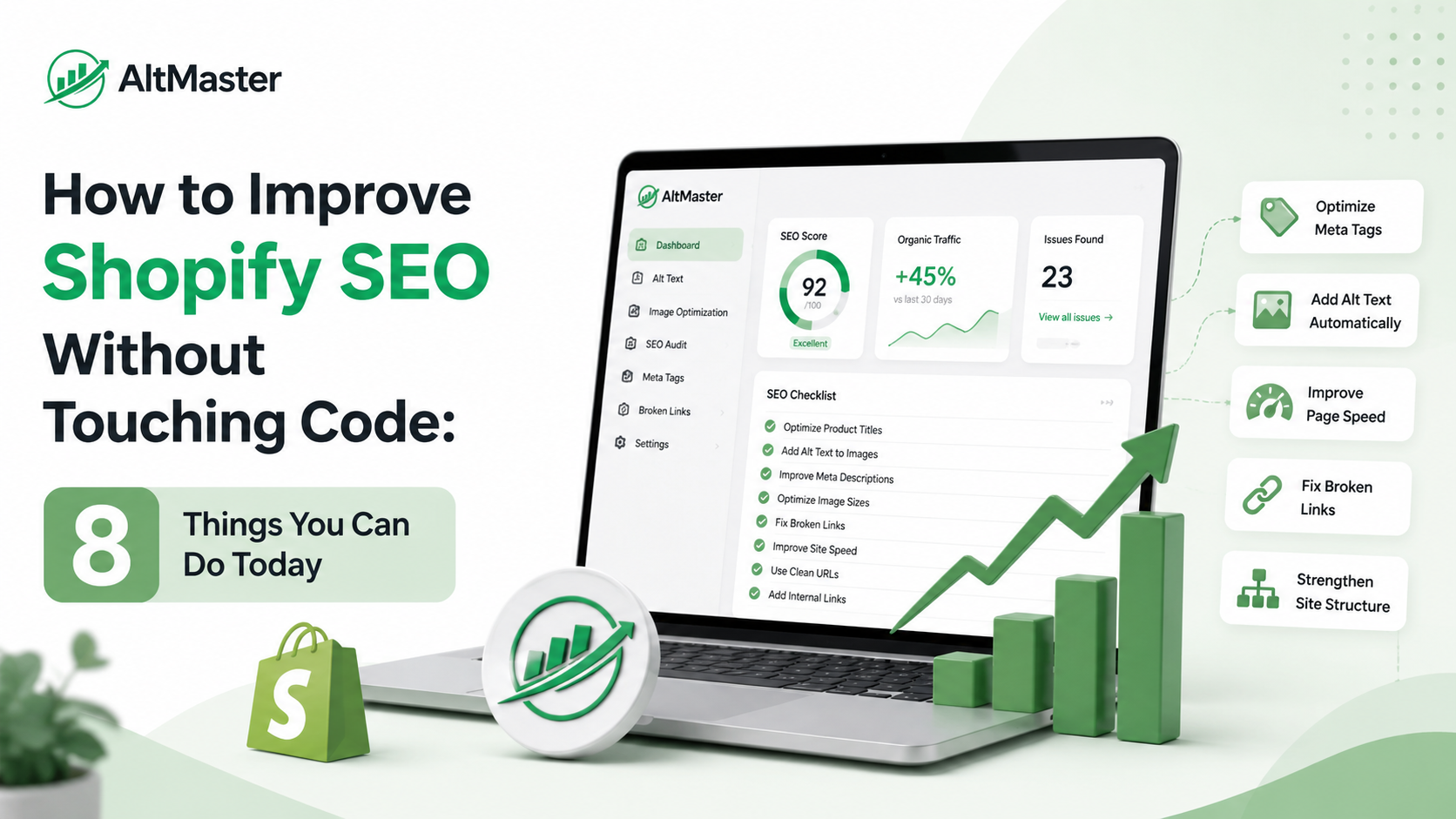
The most common reason Shopify store owners don't work on SEO is the assumption that it requires a developer. It doesn't - at least not for the things that move the needle most. The majority of high-impact SEO improvements on Shopify occur entirely within your admin dashboard, product pages, and collection pages. No theme editor, no Liquid code, no developer ticket required.
Here are eight things you can do today.
You Don't Need a Developer to Move the SEO Needle
Shopify is genuinely one of the most SEO-accessible platforms for non-technical store owners. Title tags, meta descriptions, URL handles, redirects, ALT text, internal links, collection copy - all of it is editable directly from your admin without touching a line of code.
What most store owners lack isn't access. It's knowing which of those things to prioritize and in what order. This guide gives you that order.
Quick Wins Inside Your Shopify Dashboard
1. Fix Your Page Titles & Meta Descriptions
Go to Online Store → Preferences for your homepage title and meta description. Then open any product or collection page and scroll to the "Search engine listing" section at the bottom - that's where you edit title tags and meta descriptions per page.
Most Shopify stores launch with either default titles ("Homepage – Store Name") or product names with no additional context. Neither helps Google understand what you sell or convinces a searcher to click. Keep titles under 60 characters and lead with the keyword. Write meta descriptions under 160 characters that describe what's on the page and give someone a reason to click - think of it as a one-line ad for the page.
2. Optimize Your URL Handles
Every product and collection page in Shopify has a URL handle - editable under the same "Search engine listing" section. Shopify's default handles are usually fine for products, but collection handles often end up generic (/collections/collection-1) or bloated with stop words.
Clean, keyword-relevant handles like /collections/mens-waterproof-hiking-boots rank better and look more trustworthy in search results than /collections/all-mens-outdoor-footwear-new-arrivals. Edit the handle in the URL slug field, and Shopify will prompt you to set up a redirect automatically - say yes.
3. Set Up Redirects for Dead Pages
If you've deleted products, changed URLs, or renamed collections, those old URLs are sending anyone who finds them - from Google, from a saved link, from an old email - straight to a 404 error. That's bad for both SEO and conversions.
Go to Online Store → Navigation → URL Redirects and set up a redirect from the old URL to the most relevant live page. It takes thirty seconds per redirect and keeps both Google and customers from hitting dead ends.
Product & Collection Page Fixes Anyone Can Do
4. Rewrite Thin Product Descriptions
A product description that's two sentences long, or copy-pasted from a supplier, is thin content. Google understands it as a low-effort page and ranks it accordingly. More practically, it doesn't answer the questions a customer has before buying, which means you're losing sales and rankings at the same time.
Rewrite your top ten best-selling product descriptions first. Write for the customer: what is this product, who is it for, what makes it worth buying, and what should they know before they order. A genuinely useful 150–250-word description naturally includes the keywords customers search for without any stuffing required.
5. Add & Fix ALT Text on Every Product Image
ALT text is what Google reads when it crawls your product images. Without it, every image on your store is invisible to search engines - which means you're missing Google Images traffic entirely, and AI shopping tools like ChatGPT and Perplexity are skipping your products when building recommendations. The full breakdown of why this happens is covered in " Why Shopify product images become invisible to Google and how to fix it”.
To add or edit ALT text manually: go to a product in your admin, click any image in the Media section, and fill in the ALT text field. The formula that works: product name + color or material + view or context, in one natural sentence. For templates and examples covering every image type, this guide to writing SEO-optimized ALT text for Shopify product images has everything you need.
If you have more than 50 products, manual ALT text isn't a realistic path to getting it done. AltMaster handles this without any code - it scans your full catalog, flags every image with missing or low-quality ALT text, and lets you bulk-generate descriptions using product-specific variables like name, color, and material. No developer, no CSV juggling, just a clean catalog in one session.
Store-Wide SEO Habits That Compound Over Time
6. Build Internal Links Between Products & Collections
Internal links do two things: they help Google understand how your store is structured, and they pass authority from stronger pages to weaker ones. Both matter for rankings.
The easiest places to add internal links without touching code: your product descriptions ("pairs well with our [leather belt collection]"), your collection page copy, and your blog posts if you have them. Link from collection pages to related collections. Link from product descriptions to the collection the product belongs to. Even five minutes of deliberate internal linking per week compounds significantly over a few months.
7. Keep Adding Fresh Content to Collection Pages
Most collection pages launch with zero copy and stay that way. Two or three short paragraphs above or below the product grid - describing what's in the collection, who it's for, and what to look for when choosing - gives Google context it can't get from product thumbnails alone, and gives shoppers something to read while they orient themselves.
This doesn't need to be elaborate. Even 150 words of original, specific copy turns an empty category page into one Google can understand and rank for category-level searches. Update it quarterly as your collection evolves.
8. One Tool Check Before You Call It Done
Before you mark this list complete, run your store through Google Search Console if you haven't already. It's free, it shows you exactly which pages Google has indexed, which have errors, and which keywords are driving impressions and clicks. It's the closest thing to a direct line into how Google sees your store - and every fix you make above will start showing up in Search Console data within a few weeks.
For a broader picture of which SEO apps are worth adding to support the ongoing work - schema, speed, bulk editing - this breakdown of the best Shopify SEO apps for 2026 covers what's actually useful versus what just adds script weight.
Conclusion
None of these eight things requires a developer, a budget, or a technical background. They require an hour of focused time in your Shopify admin and a clear understanding of what you're fixing and why. Start with the quick wins - titles, meta descriptions, URL handles - then move to the product and collection page work. Build the internal linking and fresh content habits going forward.
SEO compounds. Eight small fixes done well today are worth more than a big overhaul planned for next quarter.
FAQs
Can I really improve Shopify SEO without editing any code?
Yes - the majority of high-impact SEO work on Shopify lives in your admin dashboard, not your theme code. Title tags, meta descriptions, URL handles, redirects, ALT text, product descriptions, collection copy, and internal links are all editable without touching Liquid or hiring a developer.
How long before these no-code SEO changes show results?
It depends on how quickly Google recrawls your pages. Changes to title tags and meta descriptions often show up in search results within days to a few weeks. Content improvements and ALT text fixes take longer to affect rankings - typically four to eight weeks before you see meaningful movement - because Google needs to reindex and re-evaluate the pages after the changes.
What's the single highest-impact no-code SEO fix for Shopify?
For most stores, fix ALT text across all product images. It's the most consistently neglected issue, it affects the most pages simultaneously, and it directly impacts both image search visibility and the product page rankings those images sit on. If your catalog is large, using AltMaster to bulk-generate ALT text across your entire store is the fastest way to close that gap without any code or developer involvement.